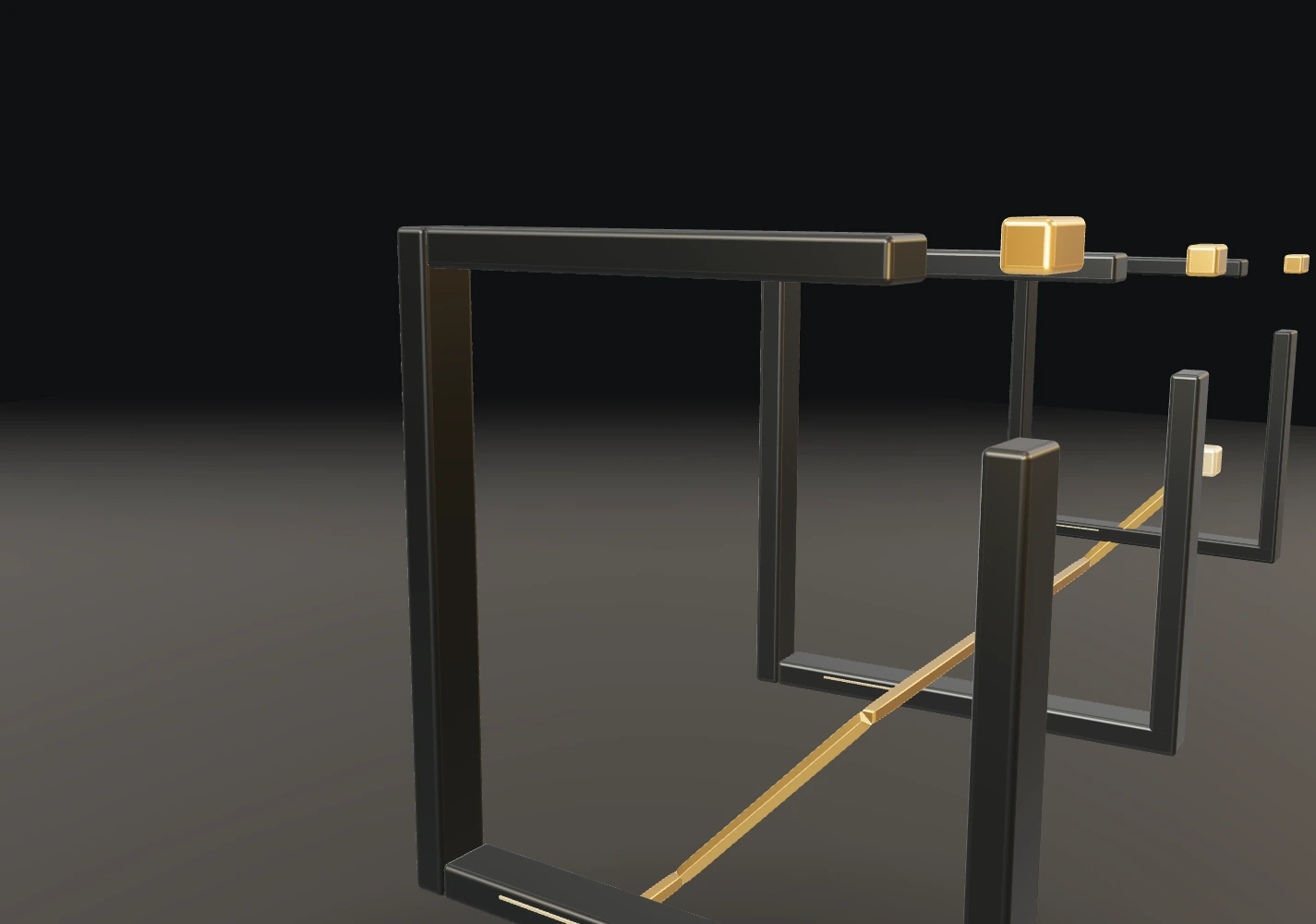
A human grants an AI assistant access to a workplace where two meeting attendees are waiting. The assistant proposes, “How about Table A?” The human receives the tablet, checks Table A’s closed sign and covered surface, and replies, “A’s closed. Move the meeting to Table B.” The human approves the proposed correction and docks the tablet. The assistant then operates Update location: the meeting board changes from Table A to Table B. The assistant says, “This way to Table B,” and leads both attendees to the available table. The human oversees the delegated work and checks that both people have gathered before continuing.
IT · CYBERSECURITY · RESPONSIBLE AIA perspective by Paul Mwangi Projects / 2026
THE HUMAN SIDE OF TECHNOLOGY
Technology needs human judgment.
I’m Paul Mwangi. I bring more than nine years of IT and cybersecurity experience to how I approach responsible AI.
Reliable technology depends on more than the system itself. It depends on clear rules, evidence, and people who can make a responsible decision.
01
Define the boundaries.
Establish what a system may do, what information it can use, and when it must stop.+
Before an AI system is used, define the job it should help with and the decisions it must leave to people. That includes which information it can read, which actions it can take, and when it should hand the work over.
For example, an AI help-desk assistant might draft a reply from approved guidance without being allowed to change accounts. Passwords and unnecessary personal details should stay out of its input. A written scope, tested access restrictions, and clear handoff rules make those limits checkable. Review them whenever the model, its tools, or the job changes.
Make it clear who approves a decision, reviews an error, and can take over.+
Human review needs more than a name on a chart. The person reviewing an AI recommendation needs enough context, time, and authority to question it. Someone must also own the system’s risks, investigate complaints, and decide when to pause its use.
In student advising, an AI flag could suggest that someone needs support. An advisor should check the context, correct mistaken information, and choose how to follow up. The student should have a clear way to reach a person. Recording the recommendation, the reviewer’s decision, and any correction helps explain what happened and who needs to act next.
Check what happens when people rely on a system. Investigate mistakes, record their consequences, and verify that a correction actually helps.+
A convincing answer or a high accuracy score does not tell the whole story. Check whether the system helps people complete the task, what happens when it is wrong, and whether some people experience more mistakes than others.
A spam filter, for example, can catch more unwanted mail while also hiding messages someone needs. Count both kinds of error and consider their consequences. For an AI support tool, also check unresolved requests, complaints, and time to human help. Keep the test results and their limits visible. After a correction or update, repeat the checks to see whether the problem improved without creating another one.
A proposal for an AI assistant that sorts IT support requests and drafts replies. I set out how to protect private information, check for unfair service, and decide when a person must take over.
A design for helping advisors find students who may need support. I explain how advisors would check AI suggestions, choose how to help, and give students a way to correct mistakes.
I’ve worked with the systems people depend on every day. Keeping them reliable meant setting access rules, preparing for failures, and making security requirements work in practice.
That operational experience shapes my approach to responsible AI: understand the system, establish responsibilities, and know when a person needs to step in.
2025 — PRESENT
Supporting the everyday.
Information Technology AdministratorFinch TurfDecember 2025–present
I support IT and security for 200 people across nine locations, with more than 300 managed devices. My work includes managing access, assessing security weaknesses, and coordinating improvements.
Inside the work +
Microsoft 365, Entra ID, Exchange Online, and NinjaOne device lifecycle management.
GVM/OpenVAS and ThreatDown assessments; PingCastle, PowerShell audits, and Microsoft Secure Score reviews.
Network and server updates, configuration backups, licensing, and procurement.
2021 — 2025
Making governance practical.
Director of Information TechnologyFawn IndustriesMarch 2021–July 2025
I led IT operations and cybersecurity for 100 people across cloud and company-hosted systems. I developed security policies, strengthened access controls, and worked with leadership on backup and recovery planning.
Inside the work +
Policies aligned with the NIST Cybersecurity Framework and ISO 27001; PCI DSS audit readiness.
Zero Trust, multi-factor authentication, vulnerability management, and incident response.
Vendor contracts, purchasing, backup validation, and recovery simulations.
2020 — 2021
Building a reliable foundation.
System AdministratorFawn IndustriesMarch 2020–March 2021
I kept core servers and storage available more than 99.9% of the time. Standardizing how computers were prepared for use reduced setup time by 40%.
Inside the work +
Windows Server, VMware, and storage area networks; PowerShell and Bash health checks.
SCCM and Intune deployment, endpoint protection, and standard security settings.
Nessus scans, emergency patching, and SonicWall policies; high-risk findings closed within 72 hours on average.
WHERE IT STARTED
IT Service Desk AnalystErickson Senior LivingApril 2019–March 2020
I resolved 50–70 support requests a day across 21 sites in a 10,000+ employee environment. I helped people with accounts, applications, and devices while following documented access and escalation procedures.
Inside the work +
Active Directory, Okta SSO, MFA, Workday, Salesforce, RemedyForce, and eClinicalWorks access support, using least-privilege and HIPAA-aware practices.
ITIL-based triage and escalation to infrastructure, application, and security teams; met 98% of SLA targets.
Knowledge base articles and recurring-issue documentation that reduced repeat tickets by 18%.
Imaging and Production Technician (Summer)DALY ComputersMay 2017–August 2017
On a summer contract through TEKsystems, I prepared and tested computers for Baltimore County and City Public Schools. I checked software, drivers, and security settings so devices were ready for deployment.
Inside the work +
MDT and SCCM imaging for large-scale Windows 10 deployments.
Educational software installation, licensing and connectivity checks, and operating system, driver, and security testing.
Staged hundreds of devices and documented imaging procedures, hardware configurations, deployment schedules, and troubleshooting.